
Guide to Creating a Test on Digibricks
You can easily create a new test to assign to students or save it in your personal library. Follow the steps below:
Step 1: Open the My Tests section
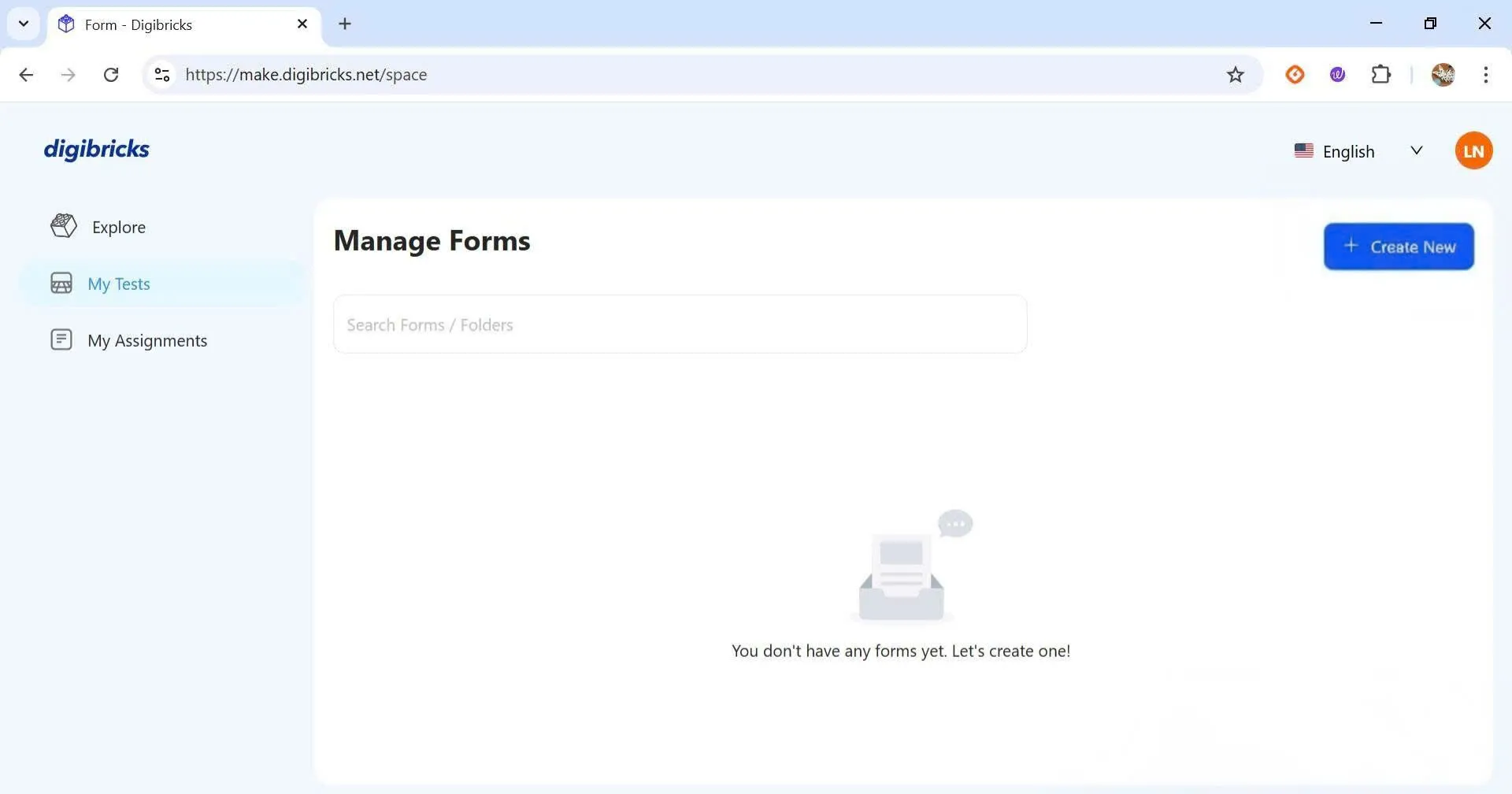
On the main interface, select My Tests from the left menu, then click Create New at the top right of the screen.
Step 2: Create the test
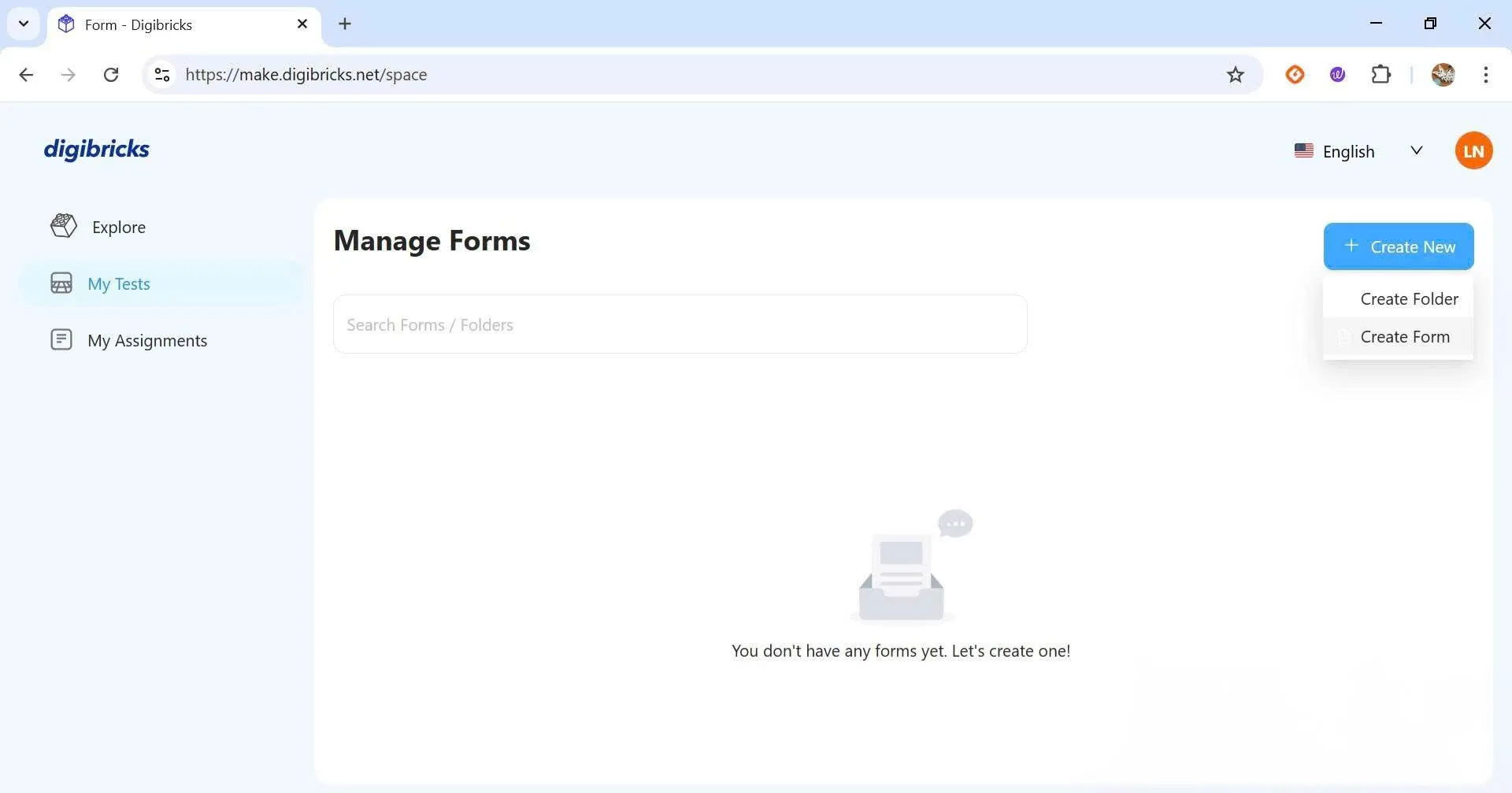
Click Create Form to begin creating a new test.
Step 3: Enter test information
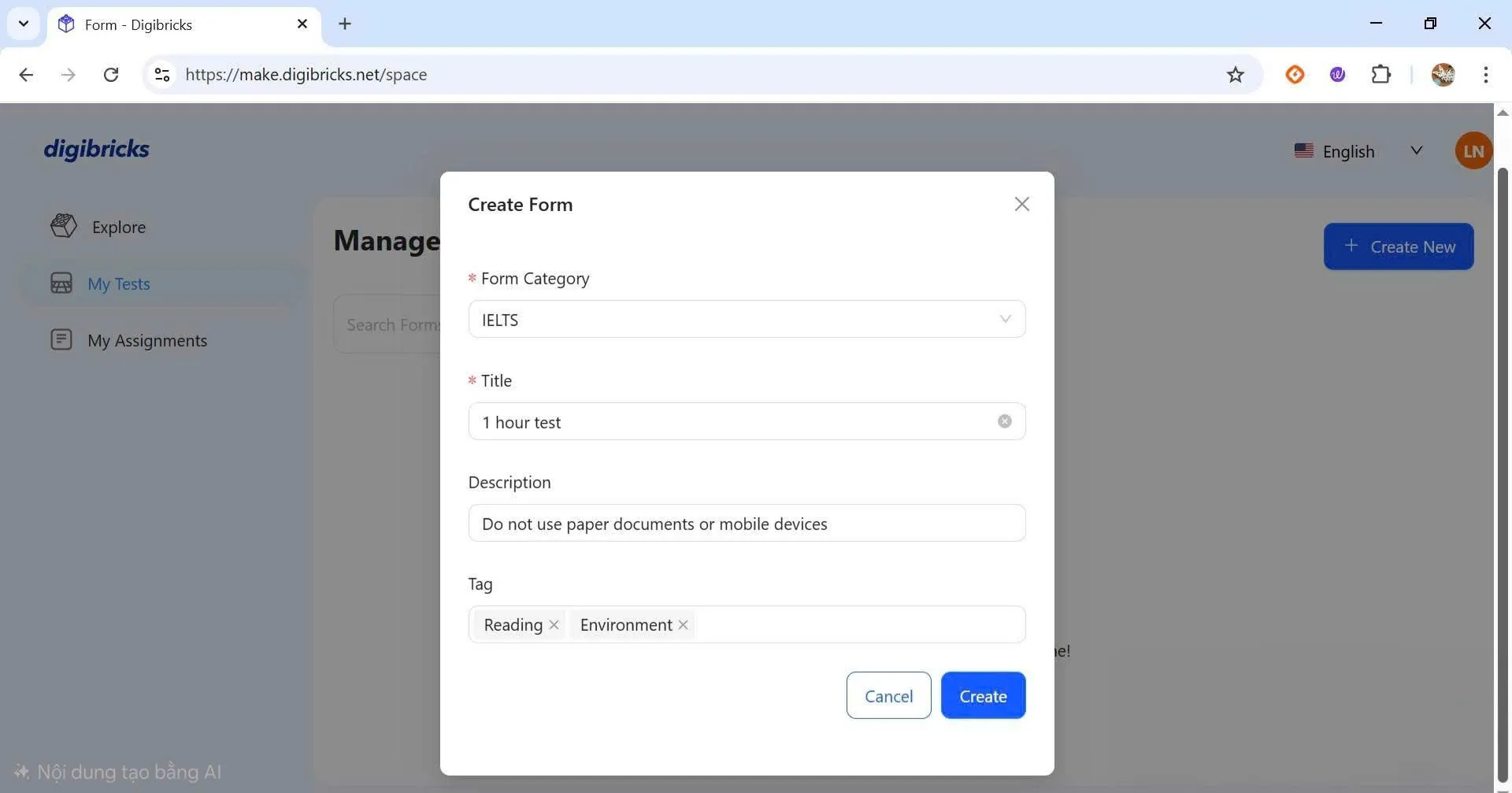
Fill in the basic information such as Form Category, Title, Description, and Tag. Once completed, click Create to save.
💡 Tips
Don’t forget to add Tags to your test. This will help you organize and locate your content more easily in the future.