
🛎 Create your Digibricks account
Follow these steps to set up your personal account and start using Digibricks:
Step 1: Go to the website
Open your browser and visit https://make.digibricks.net/
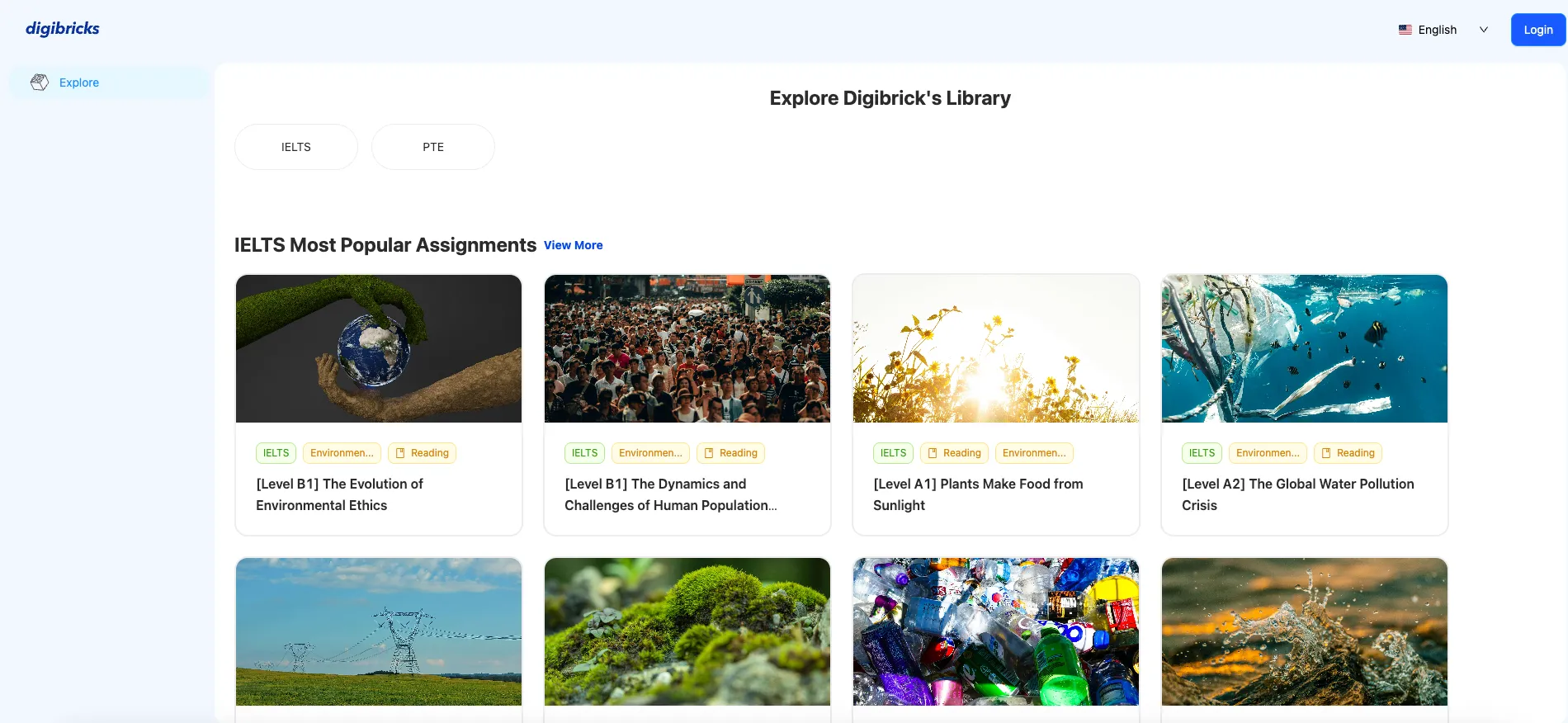
Step 2: Click “Login”
At the top-right corner, click Login.

Step 3: Sign in or sign up
-
Sign in quickly using your Google account by choosing Sign in by Gmail.

-
Or click Sign up to create a new account.
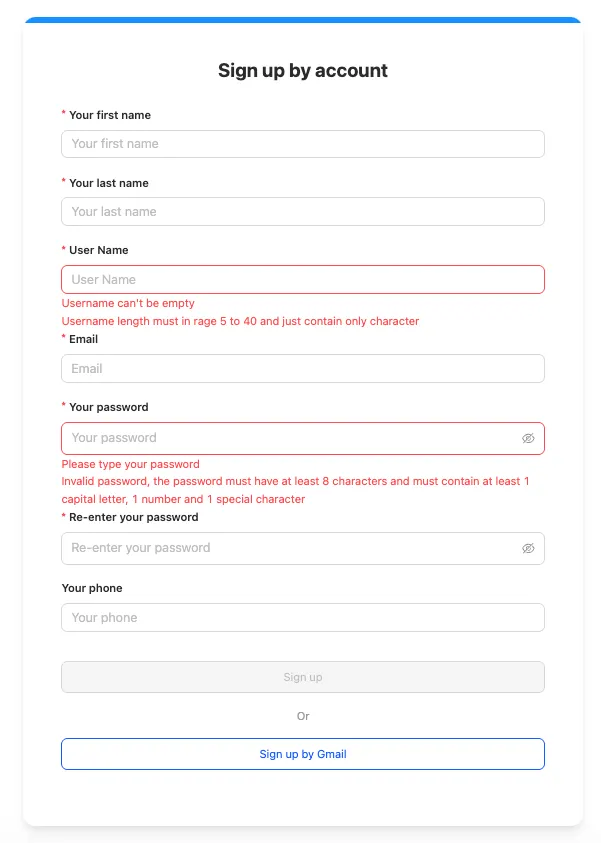
Step 4: Update your profile
After signing in, go to Update Profile and fill in your full name and username.
Step 5: Save and go back to Home
Click Save to finish. Then return to the homepage to start creating content and using Digibricks features.