📘 Guide to Creating a Test from available Materials
If you prefer not to create a test from scratch, Digibricks offers a library of reading passages and sample tests that you can select, edit, and assign to students quickly and easily.
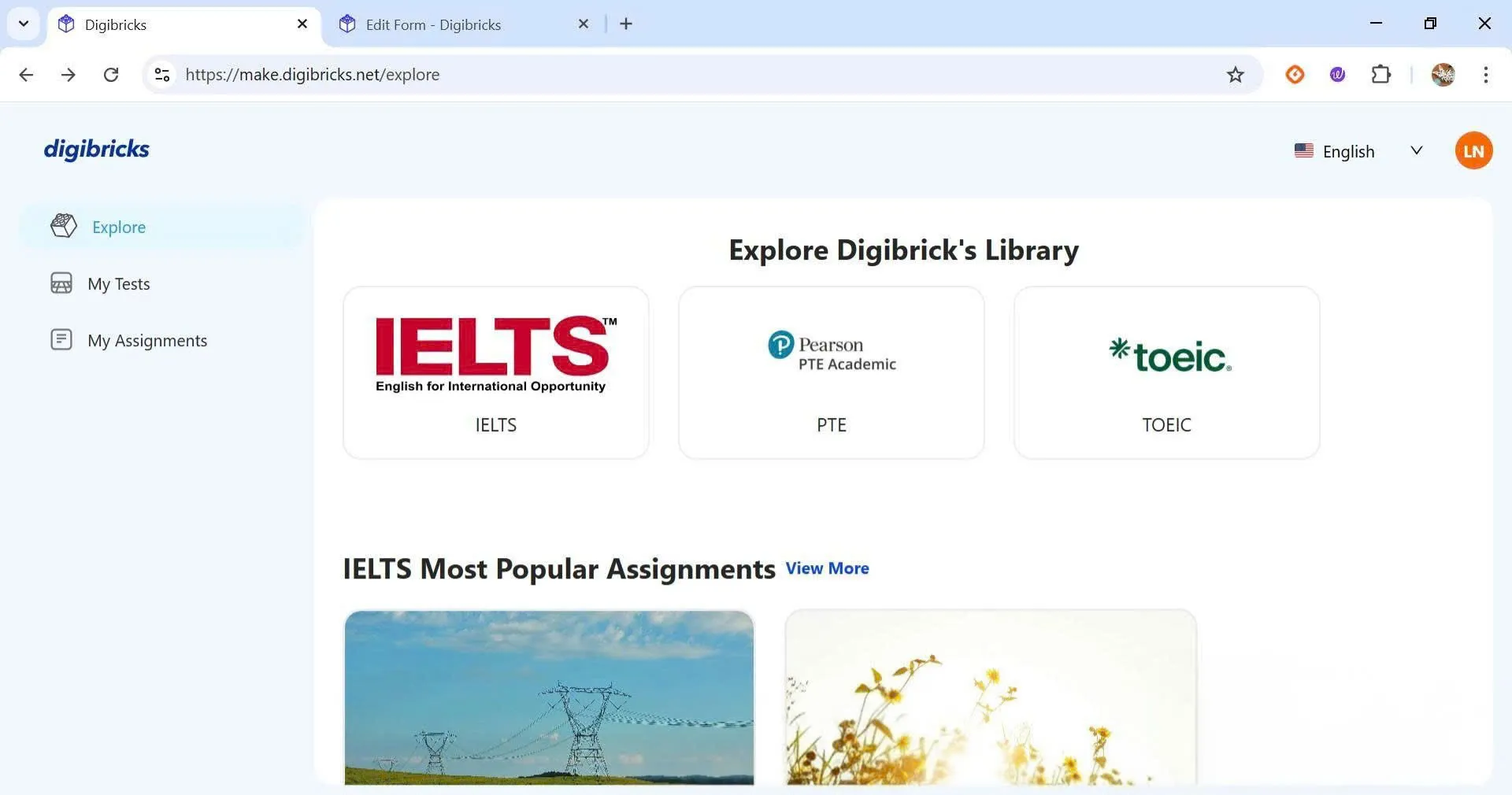
Step 1: Go to the Explore section
On the main interface, select Explore from the left menu to open Digibricks’ library.
Step 2: Choose a suitable reading passage
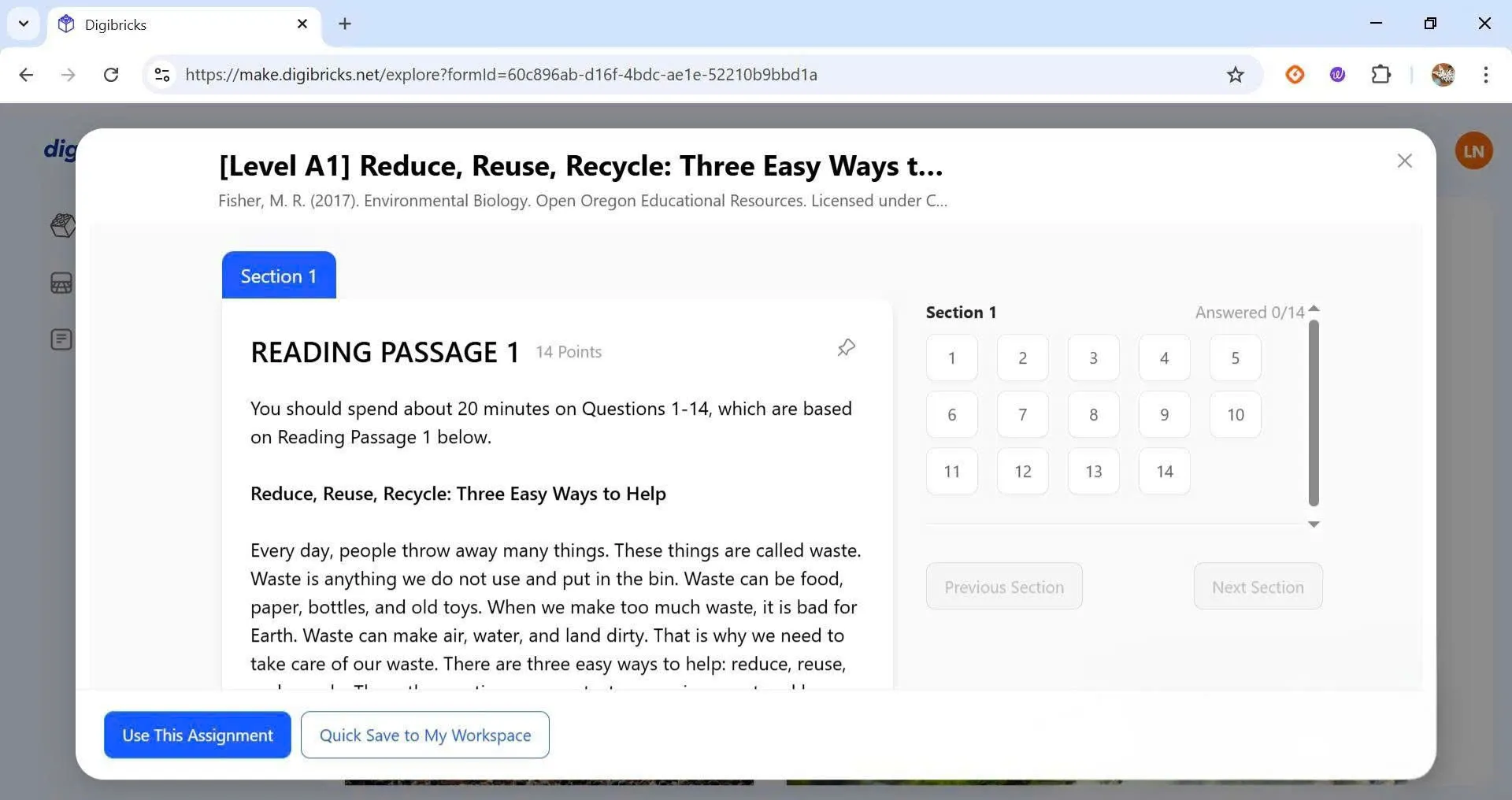
Select a reading passage or test based on the topic or the English proficiency level of your students.
Step 3: Use or save the test
- Click Use This Assignment to edit and assign the test directly to your students.
- Or click Quick Save To My Workspace to save the test to your personal library, allowing you to customize and use it later.